CrowdSec Blocklists
In the community edition of CrowdSec, you can subscribe to three blocklists for proactive protection against known malicious sources. These lists are curated and updated regularly by the CrowdSec team.
Subscribing to your first blocklist
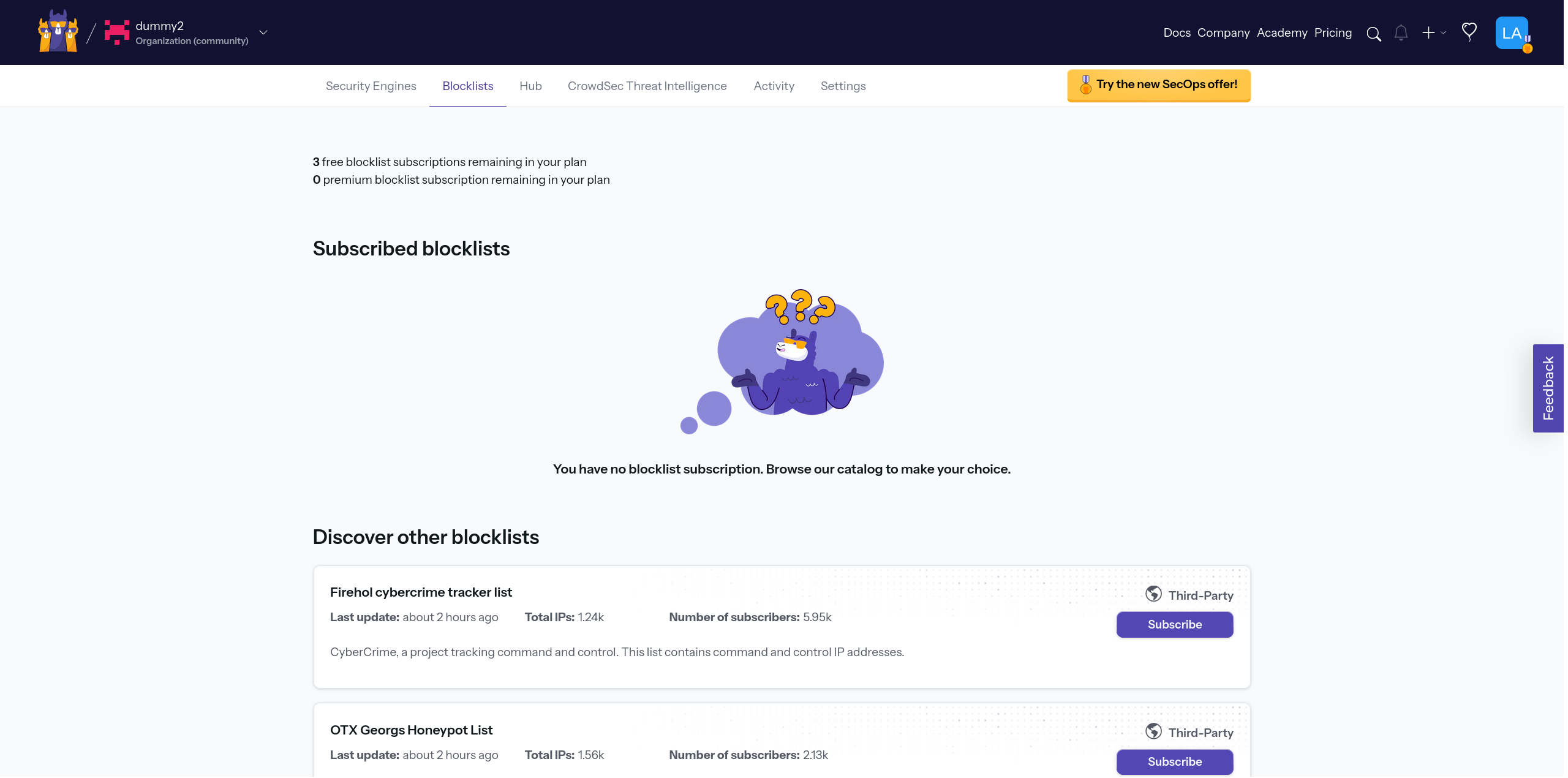
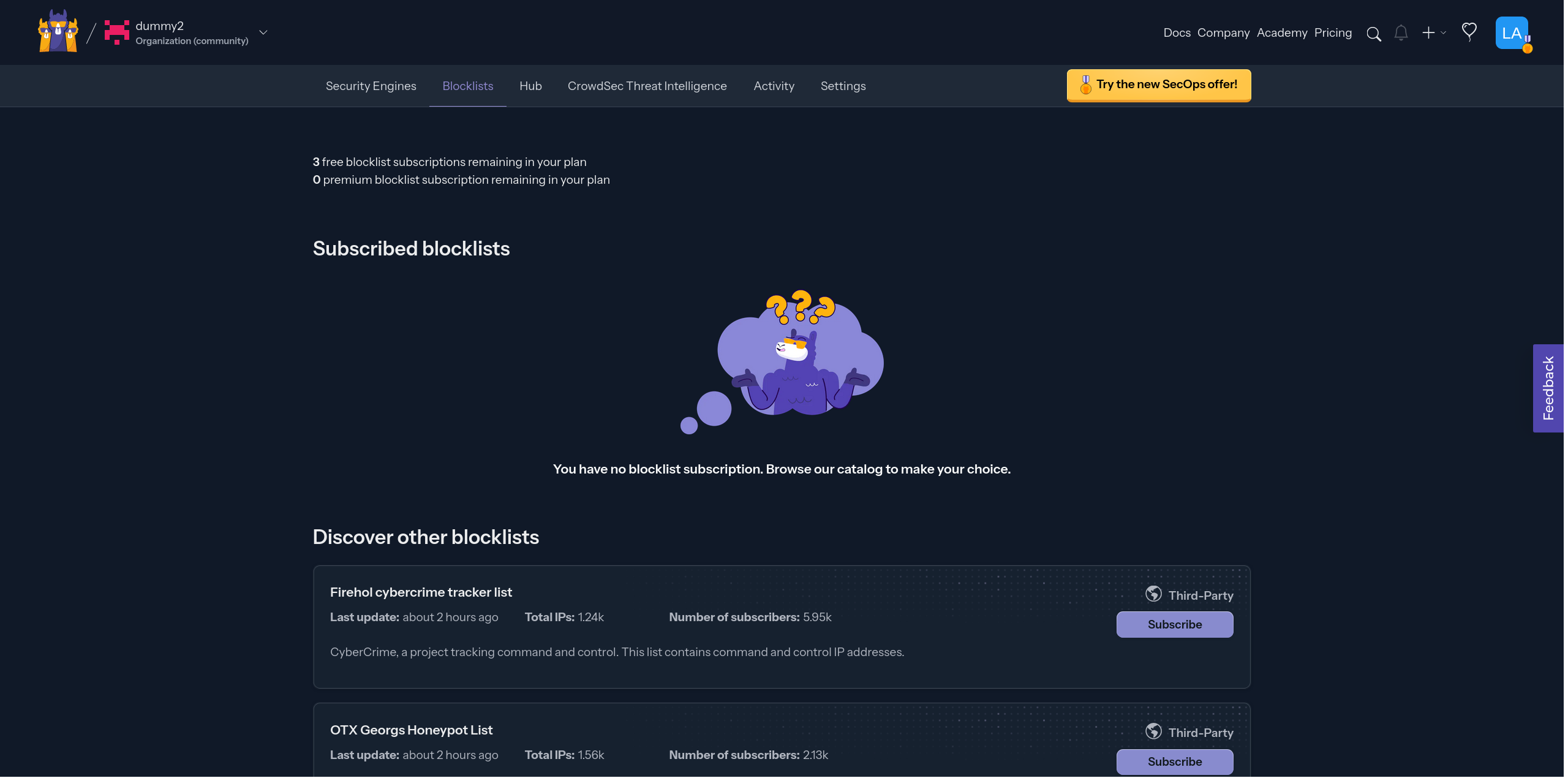
To subscribe to a blocklist, you need to go to the Blocklists tab in the console.
Which blocklist should I use?
This depends on the traffic you want to block and the level of strictness you need.
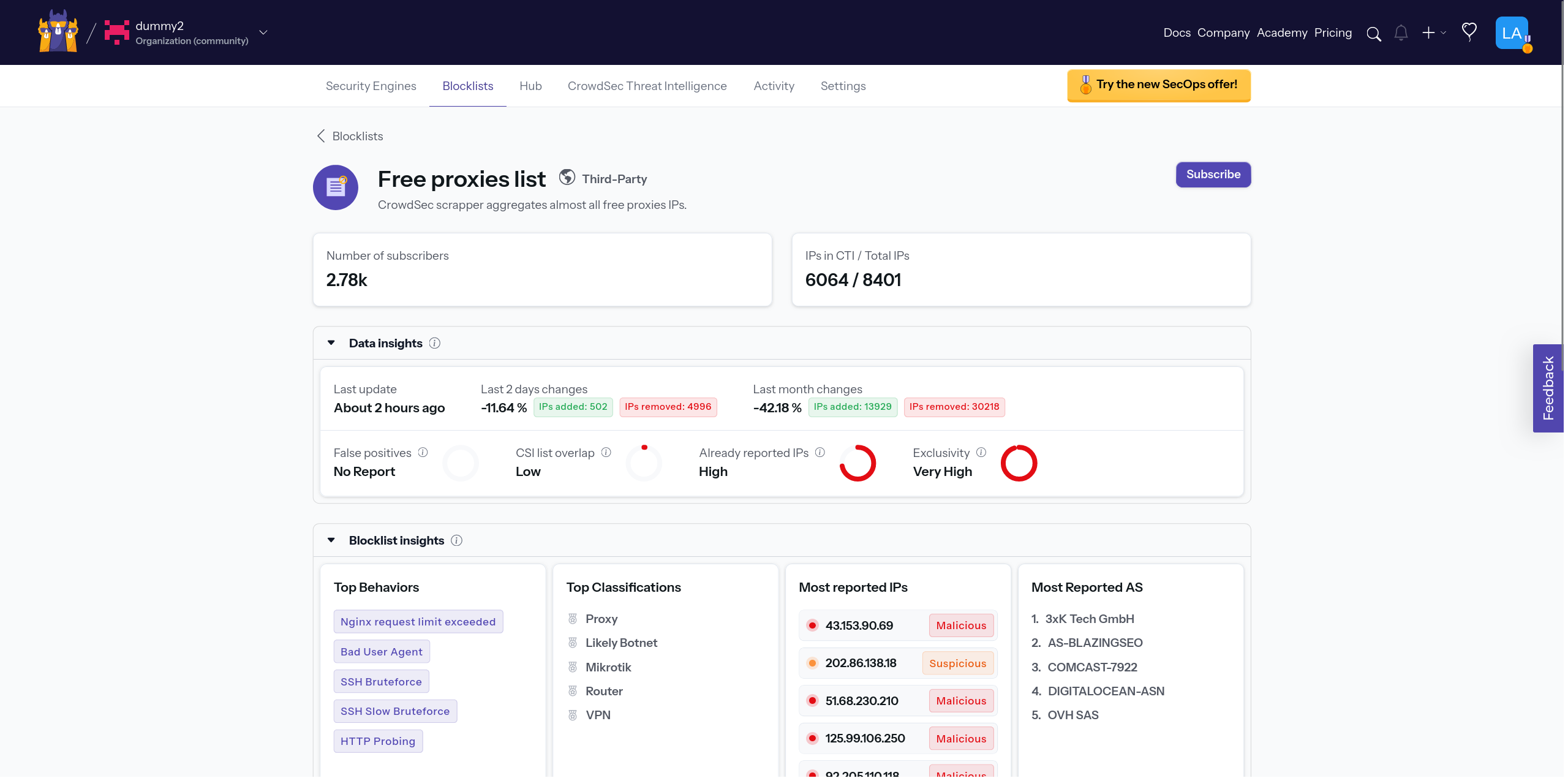
For instance, if you're running a web server and wish to shield your websites from known free proxies, subscribing to the Free Proxies list blocklist would be a suitable measure.
A proxy is an intermediary server. It hides the original requester IP address from your server.
On the other hand, if you're not hosting websites, for example, you might opt for the Firehol greensnow.co list. This list compiles IPs known for conducting bruteforce attacks on a range of services, providing a targeted defense against such malicious activities.
Bruteforce attacks are trial-and-error attempts to obtain credentials such as passwords.
If neither example fits, each blocklist includes a description to help you choose.
Subscribing an engine to a blocklist
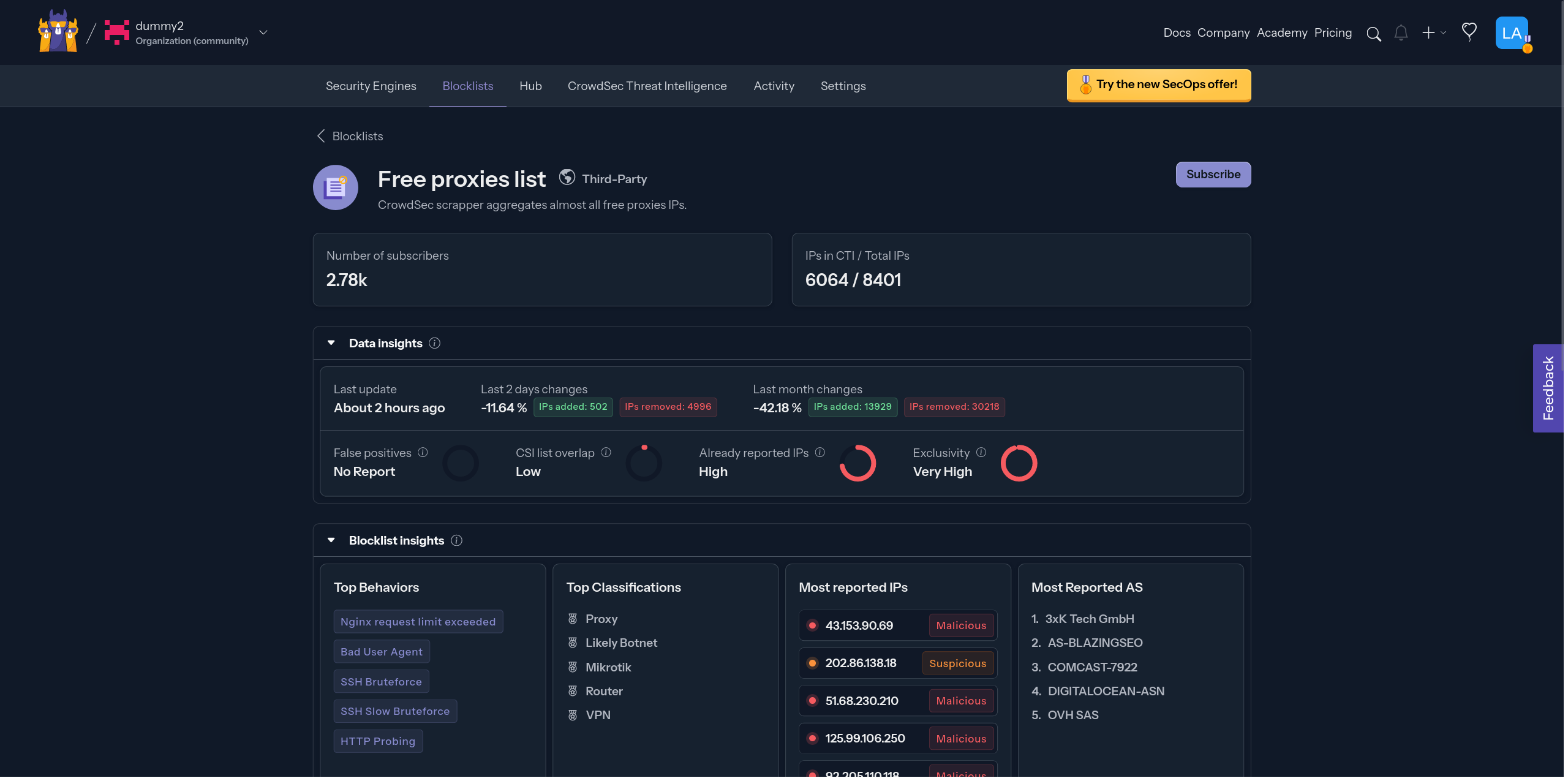
To subscribe an engine to a blocklist, click Subscribe next to the blocklist.
This opens the details panel. Click Add Security Engine(s) to choose engines.
In the modal, select the engine(s) and the action to apply, then click Save.
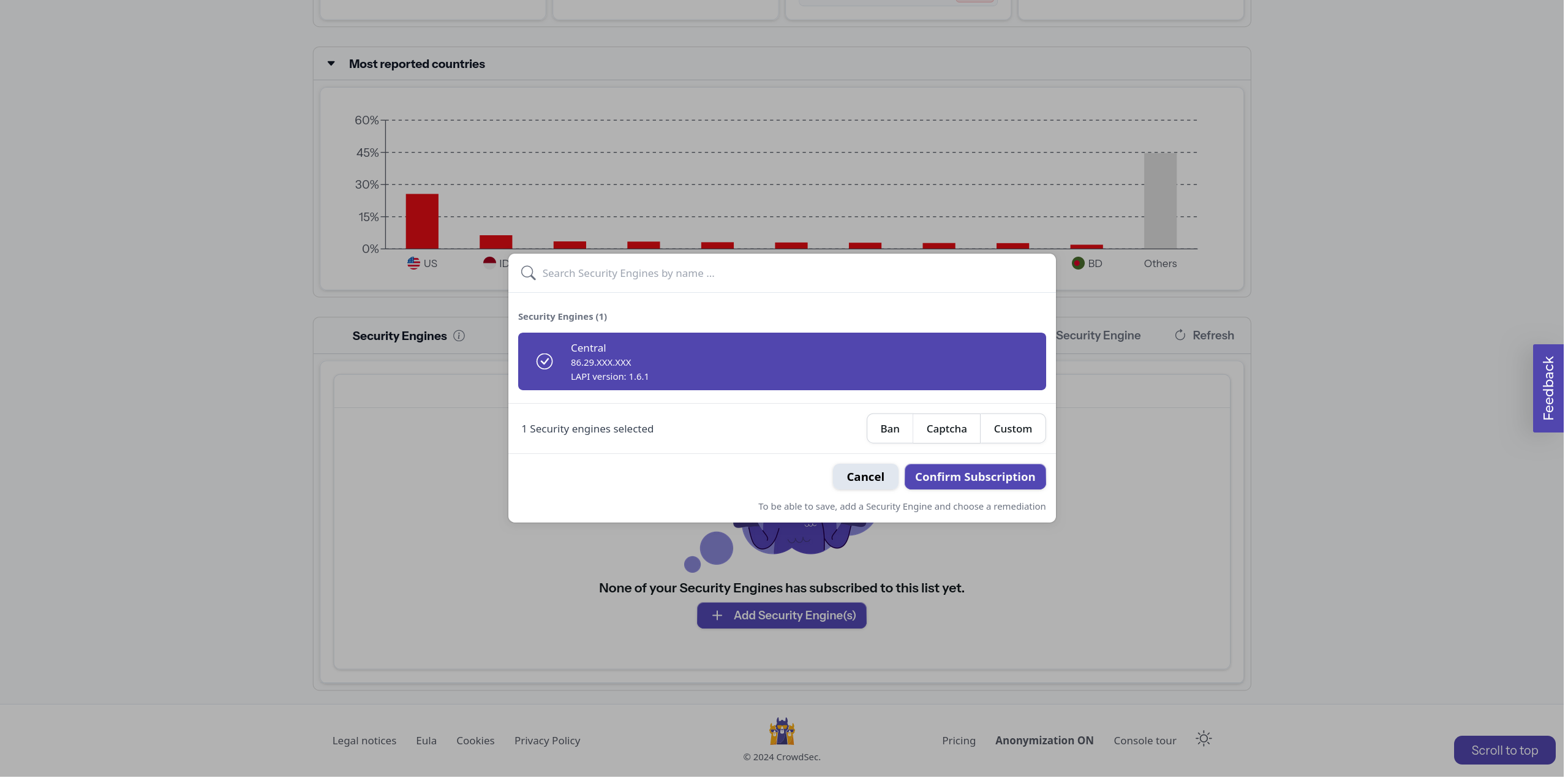
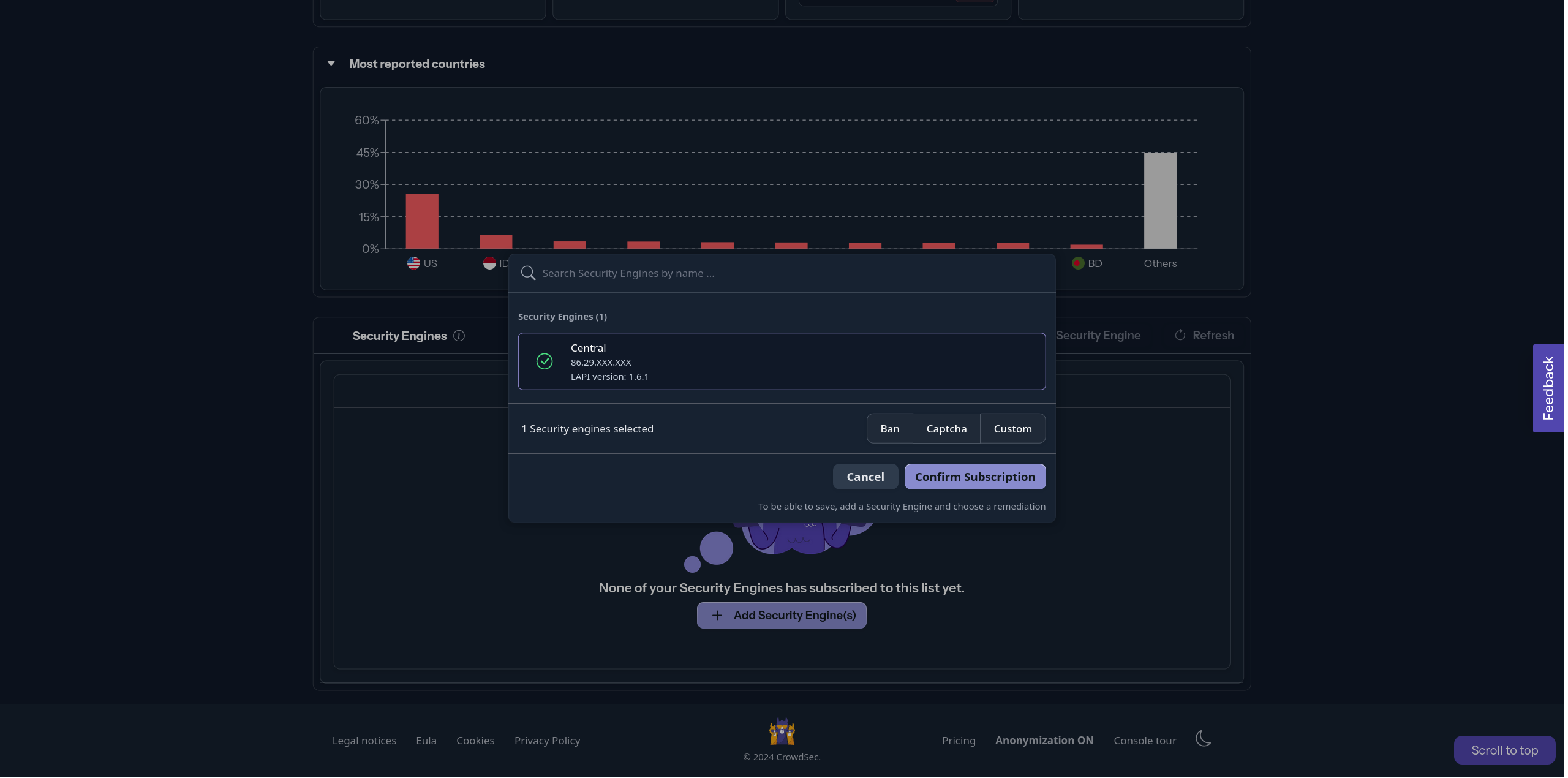
After saving, it can take up to 2 hours for the blocklist to become active because community blocklists refresh every 2 hours.
Where can I see blocklist decisions?
To see the active blocklists within an engine, you can run the following command:
- Linux/Freebsd
- Windows
- Kubernetes
cscli metrics show decisions
cscli.exe metrics show decisions
kubectl exec -n crowdsec -it crowdsec-lapi-<id> -- cscli metrics show decisions
Local API Decisions:
╭────────────────────────────────────────────┬──────────┬─────────┬───────╮
│                   Reason                   │  Origin  │ Action  │ Count │
├────────────────────────────────────────────┼──────────┼─────────┼───────┤
│ free_proxies                               │ lists    │ captcha │ 12668 │
│ tor-exit-nodes                             │ lists    │ captcha │ 1152  │
│ crowdsecurity/CVE-2022-42889               │ CAPI     │ ban     │ 4     │
│ crowdsecurity/nginx-req-limit-exceeded     │ CAPI     │ ban     │ 130   │
│ crowdsecurity/http-probing                 │ CAPI     │ ban     │ 1805  │
│ crowdsecurity/http-probing                 │ crowdsec │ ban     │ 3     │
│ crowdsecurity/http-sensitive-files         │ CAPI     │ ban     │ 48    │
│ crowdsecurity/ssh-slow-bf                  │ CAPI     │ ban     │ 63    │
│ crowdsecurity/http-bad-user-agent          │ CAPI     │ ban     │ 11623 │
│ crowdsecurity/http-bad-user-agent          │ crowdsec │ ban     │ 1     │
╰────────────────────────────────────────────┴──────────┴─────────┴───────╯
In the example output, you can see that the free_proxies and tor-exit-nodes blocklists are active and have the origin lists.
Next steps
Now that you have subscribed an engine to a list, continue exploring the Console:
If you want the full setup flow, return to the post-installation steps.